italki 教室是甚麼?
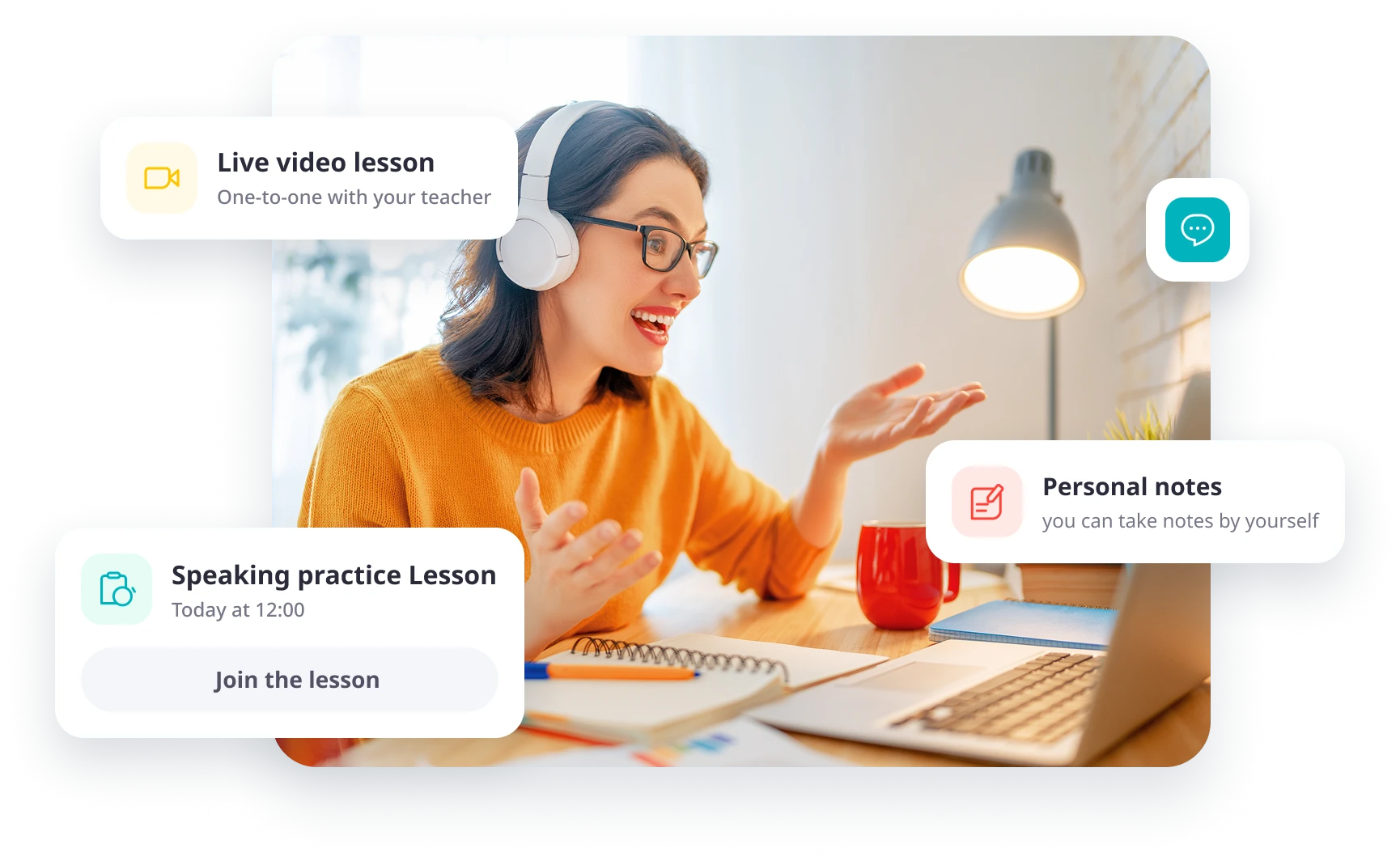
italki Classroom 是 italki 內建的線上課堂,用於進行師生一對一的即時語言課程。師生雙方可以透過視訊或音訊進行交流,並在上課期間使用螢幕分享、白板和個人課程筆記等內建工具。
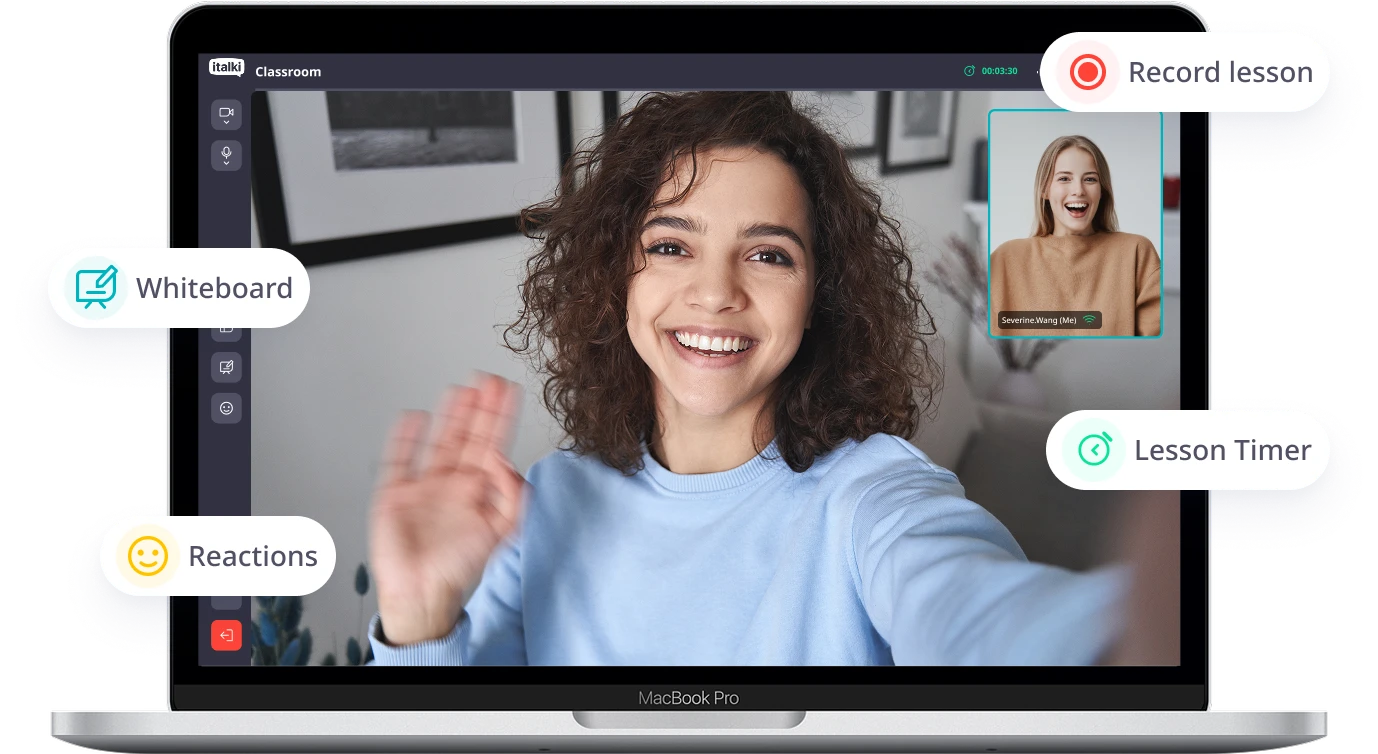
您所需的一切,教室內已一應俱全。
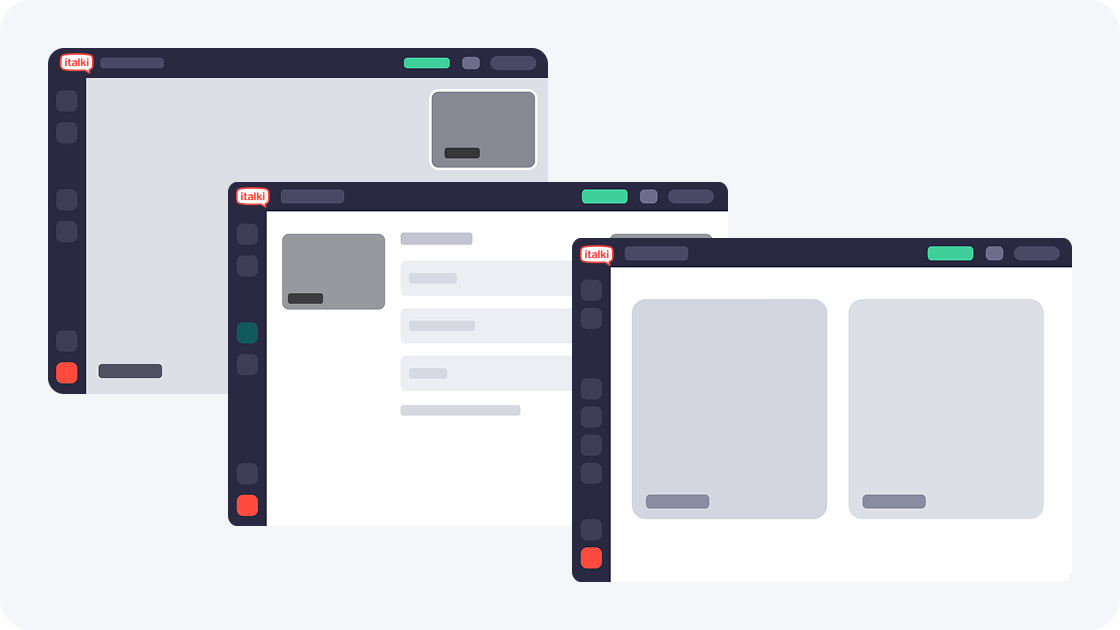
彈性版面配置
看清楚彼此
使用並排視圖查看每個表情,或切換到發言者視圖,並使用可移動、可調整大小的畫中畫視窗。
 隨時在並排視圖和發言者視圖之間切換。
- 調整畫中畫的大小和位置。
- 切換時,音訊和視訊會繼續播放。
螢幕分享
共同研習資料
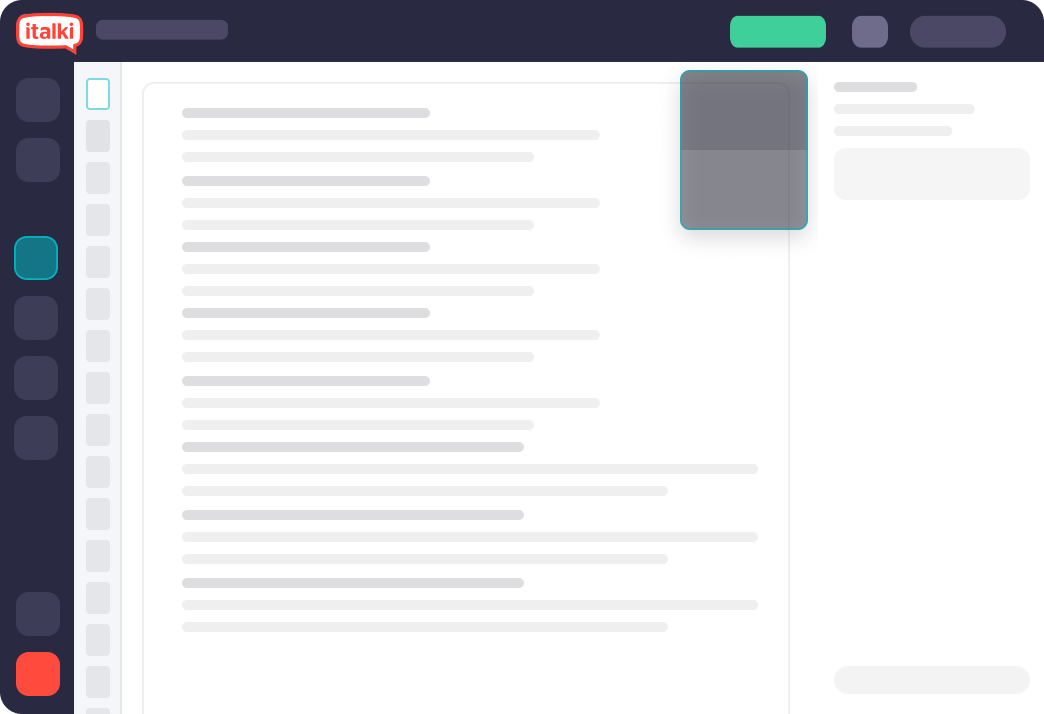
共享螢幕,共同學習。與老師或學生分享螢幕和音頻,一起探索學習資料。
- 共同審閱網頁、簡報和練習。
- 觀看影片或聆聽內容時共享音訊。
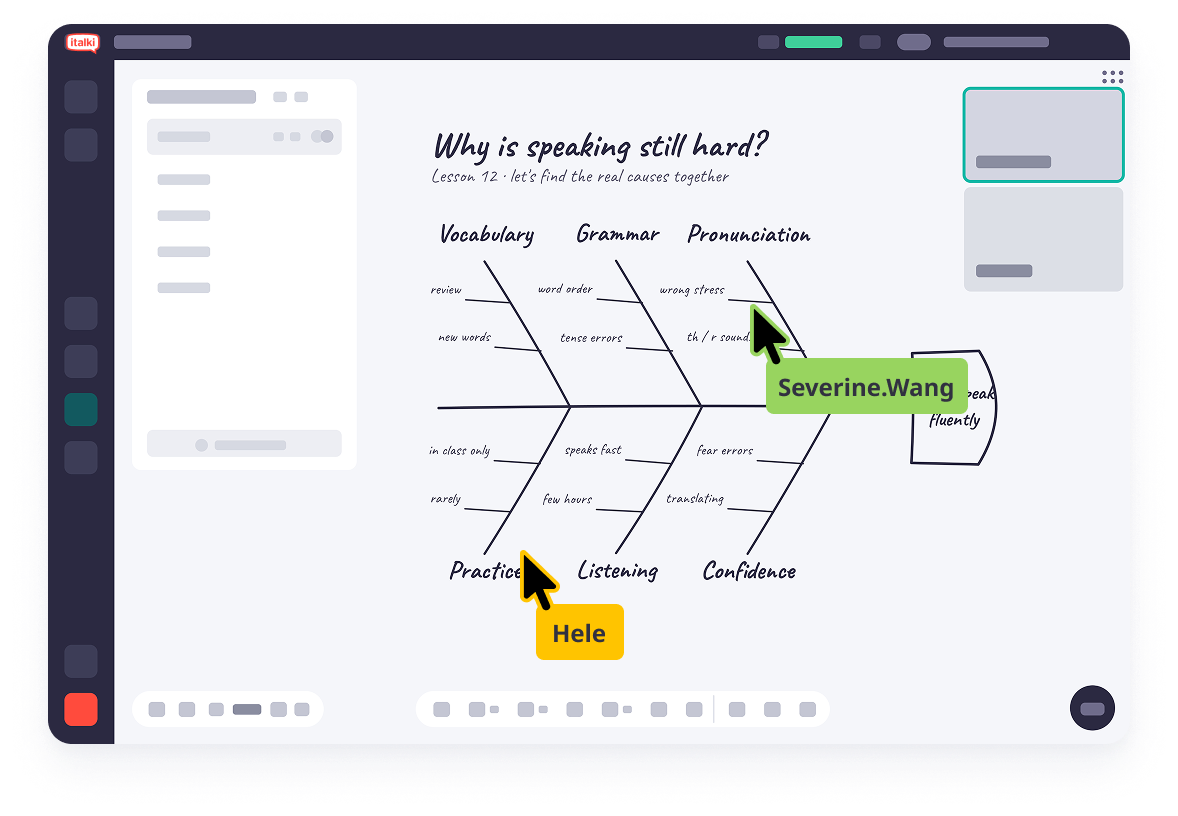
 白板
白板共同探索想法與學習資料
使用 italki Classroom 的白板功能,與老師即時書寫、繪圖並對課件進行標註。您可以上傳文件、新增文字和形狀,還能儲存內容以便課後複習。
- 供師生協作的無限畫布。
- 上傳檔案並將他們一起標註。
- 畫筆、橡皮擦、文字和圖形工具。
- 下載並儲存您的檔案在課後預覽。
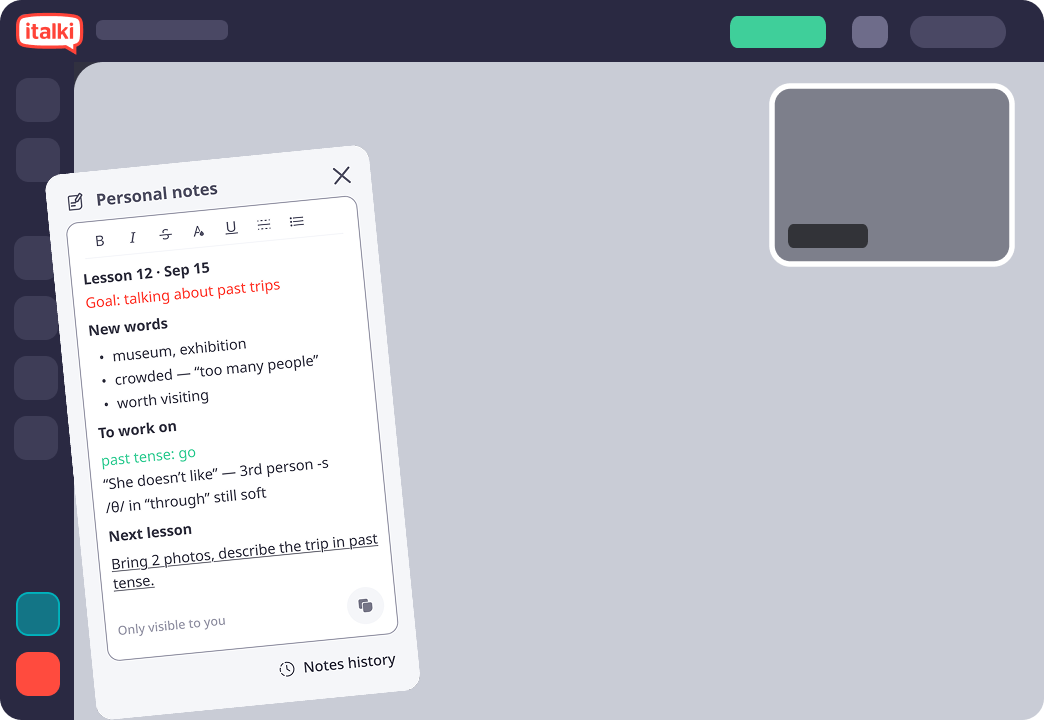
 個人化筆記
個人化筆記保留您自己的筆記
在課程進行期間做筆記。你可以用自己喜歡的方式設定格式,妥善保存,並隨時查閱。
- 富文字格式。
- 只有您有預覽權限。
- 每堂課的筆記都儲存下來。
使用方式
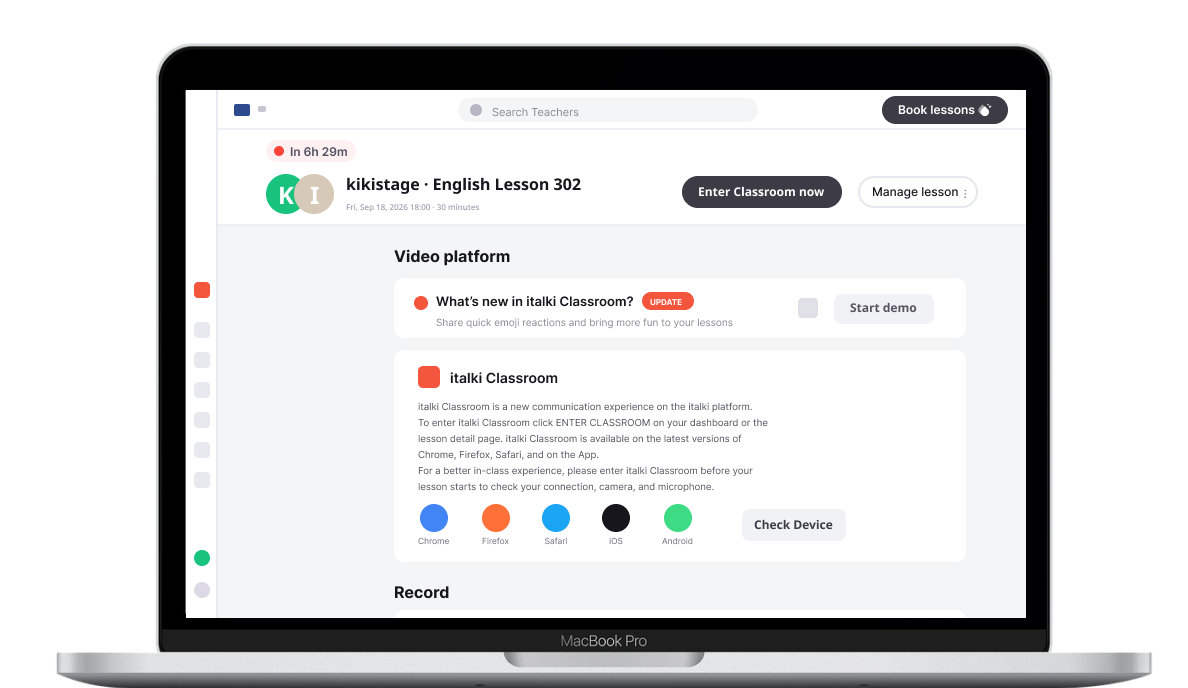
請使用最新版本的 Chrome、Firefox 或 Safari 瀏覽器,或 iOS 或安卓平台上的 italki App。在支援的瀏覽器中,無需安裝額外的課堂軟體。
開始課程
前往你的 italki 儀表板或課程詳情,然後選擇進入教室。
檢查您的設置
在課程開始前,請檢查您的網路連線、視訊鏡頭和麥克風。
認識您的老師
加入課程,並利用課堂工具輔助對話與練習。

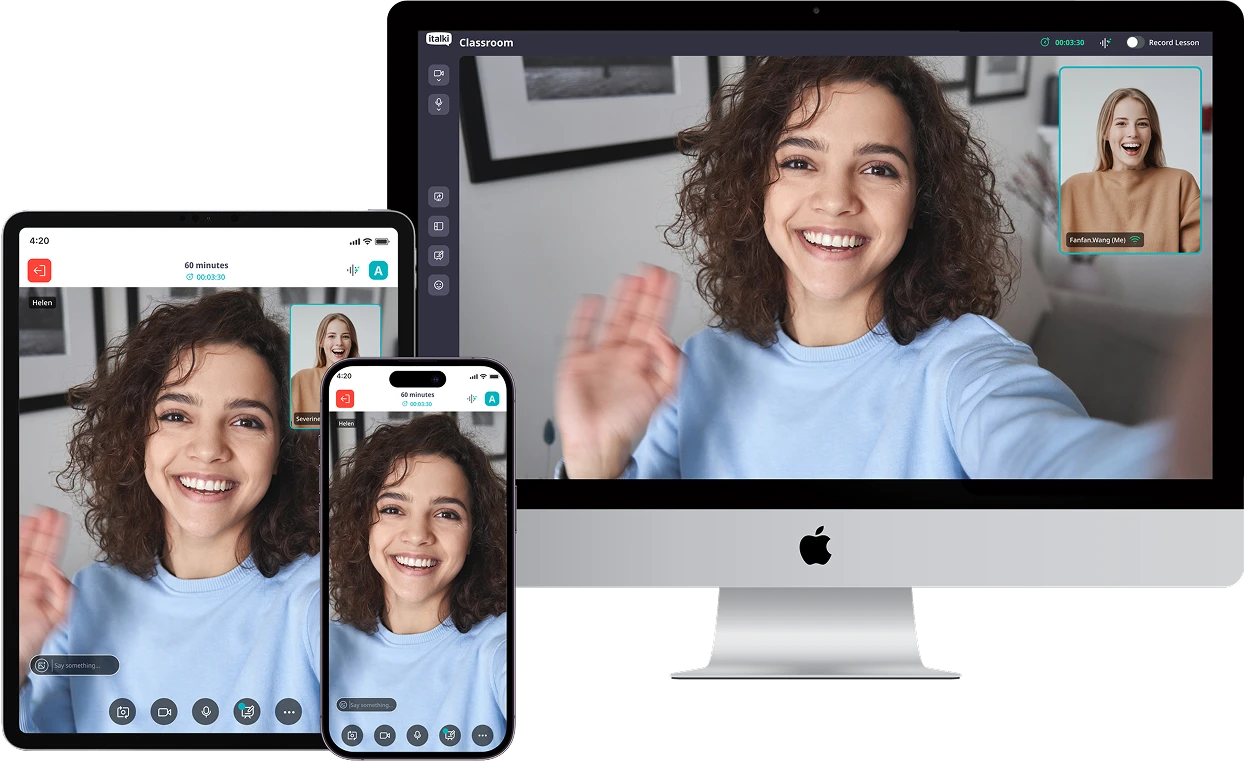
italki 適用於安卓和 iOS 平台。
同一個 Classroom 可在電腦、平板和手機的瀏覽器中開啟,且介面會根據螢幕進行適配。


常見問題
上次更新時間