什么是 italki 课堂?
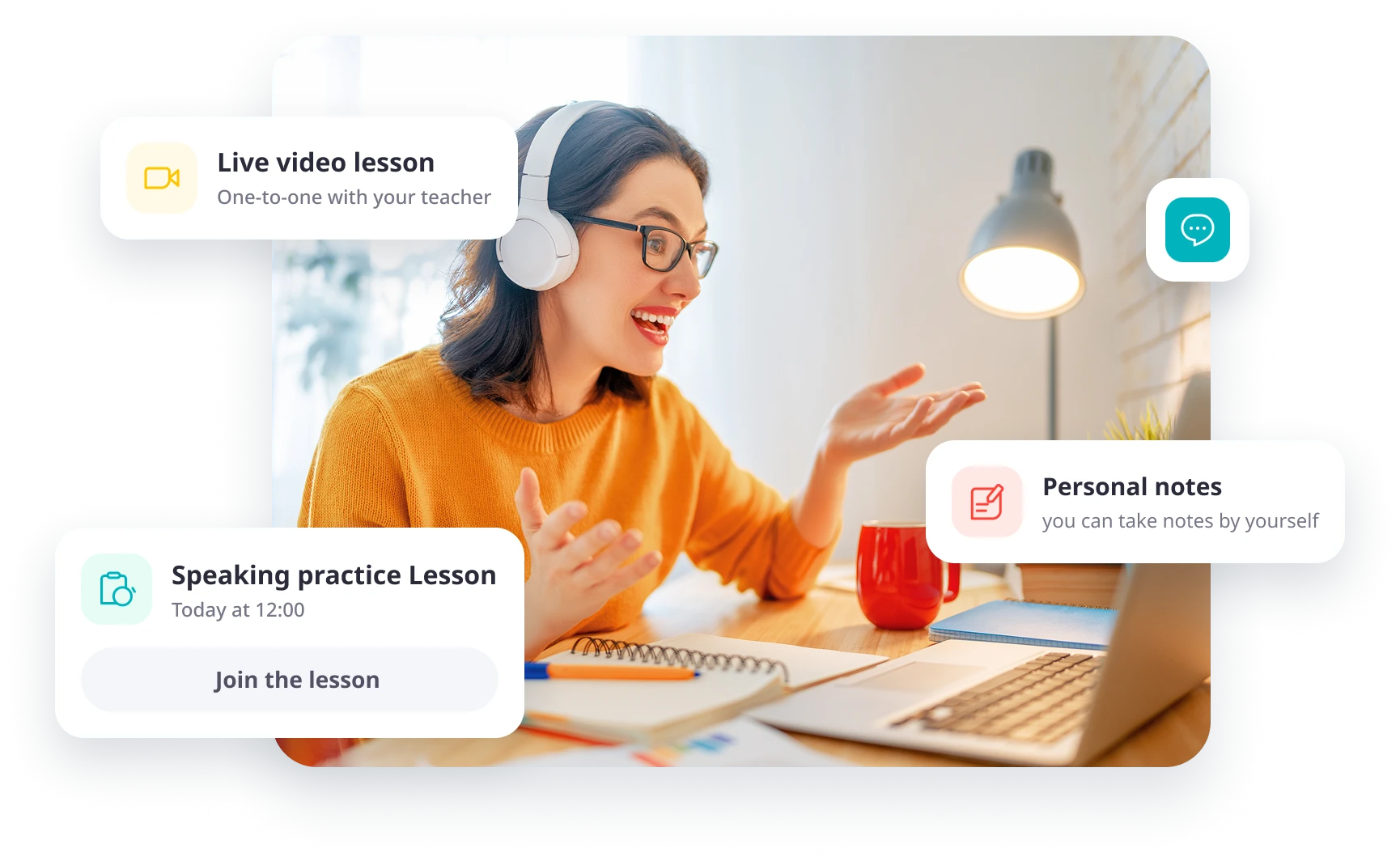
italki Classroom 是 italki 内置的在线教室,用于与老师进行实时一对一语言课。学习者和老师可以通过视频或音频见面,并在上课时使用屏幕共享、白板和个人课堂笔记等内置工具。
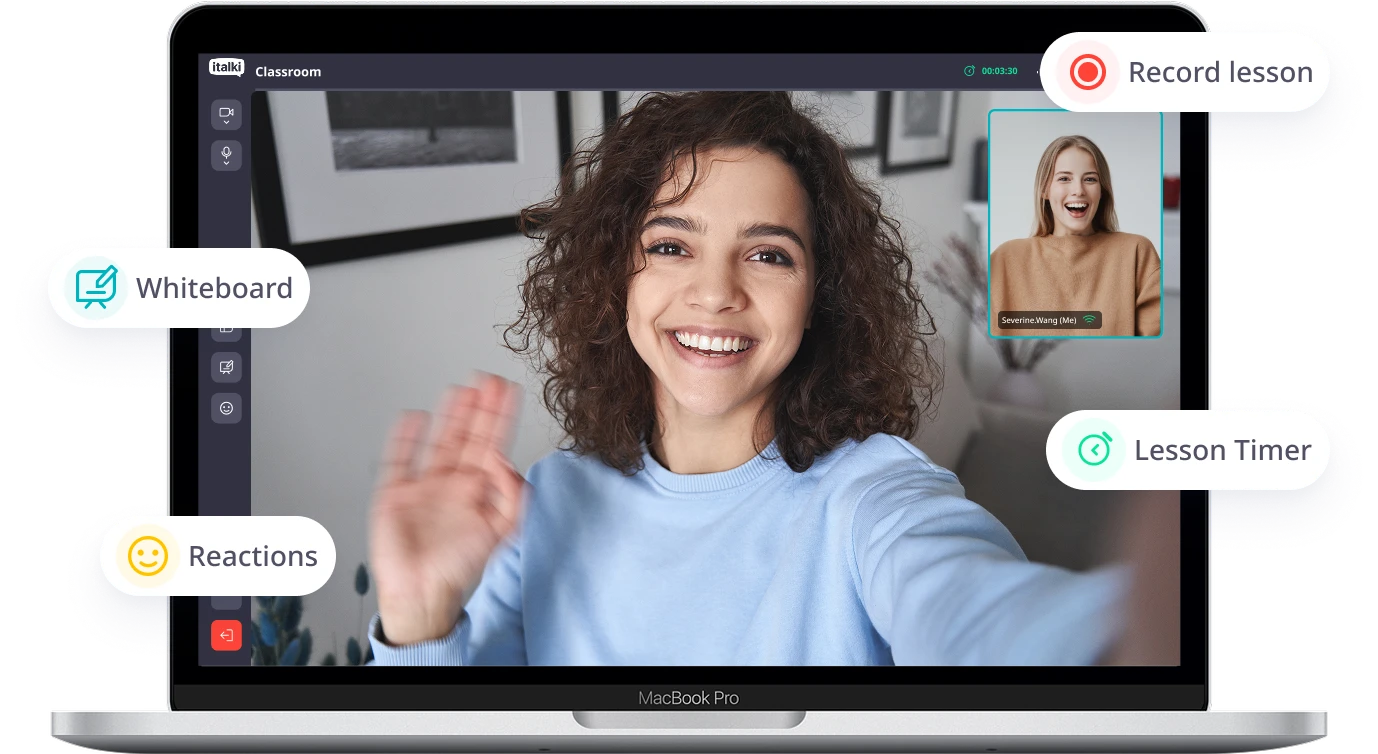
房间里已经有你需要的一切。
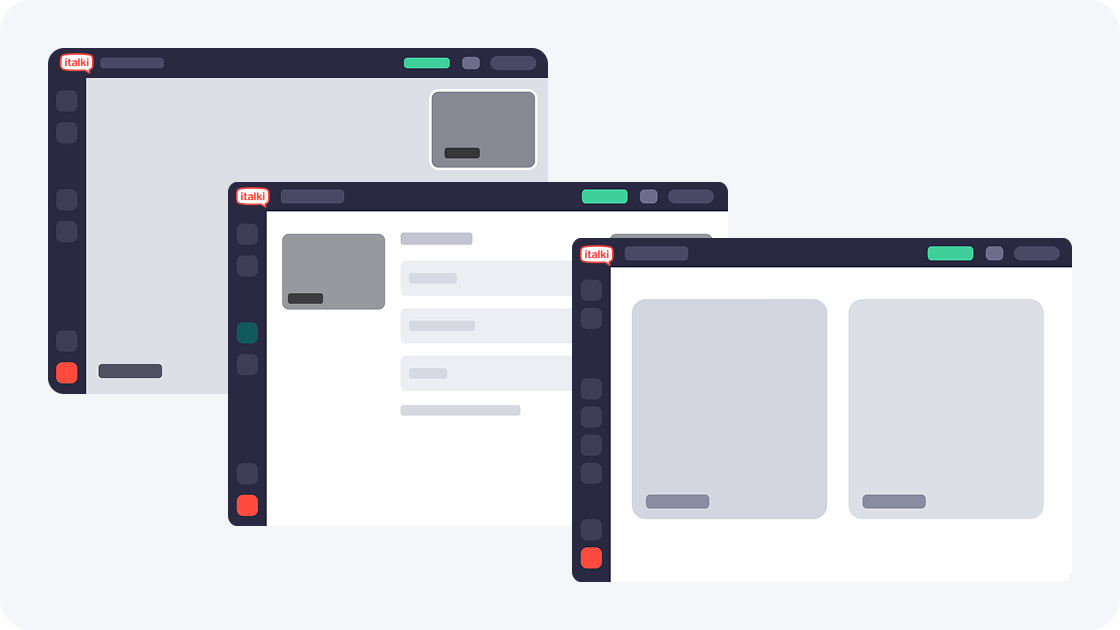
灵活布局
清晰看见彼此
使用并排视图阅读每个表达,或切换到发言人视图,使用可移动、可调整大小的画中画。
 可随时在并排视图和发言人视图之间切换。
- 调整画中画的大小和位置。
- 切换时,音频和视频会继续播放。
屏幕共享
一起学习材料
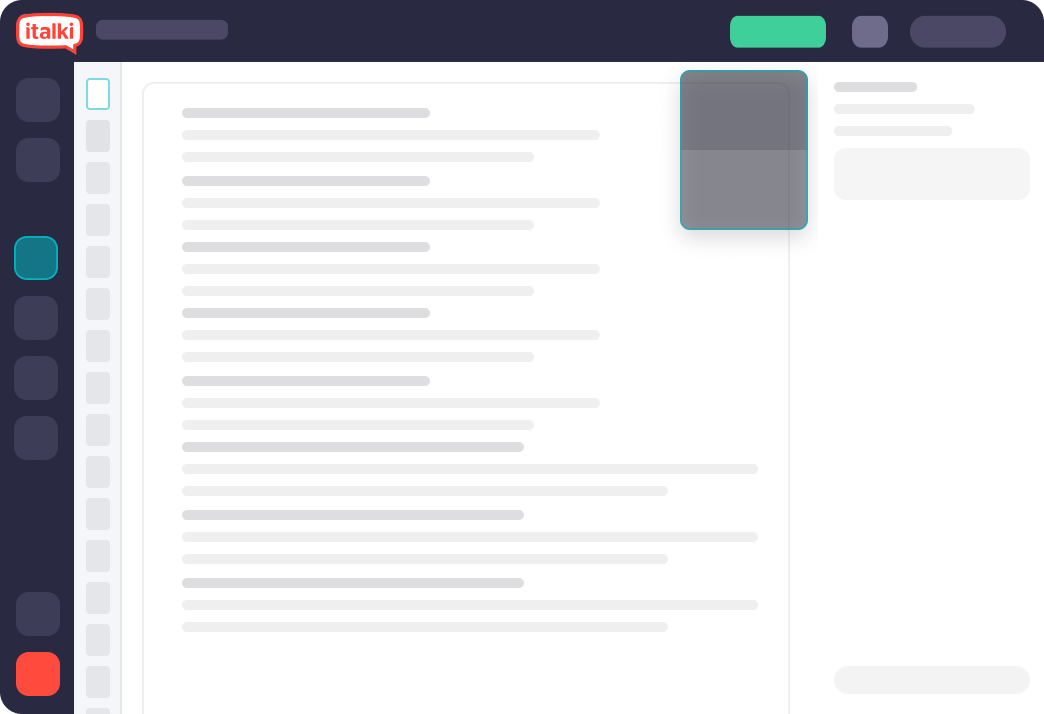
共享屏幕,一起学习。 与老师或学生共享屏幕和音频,一起查看学习资料。
- 一起查看网页、演示文稿和练习。
- 观看视频或收听内容时共享音频。
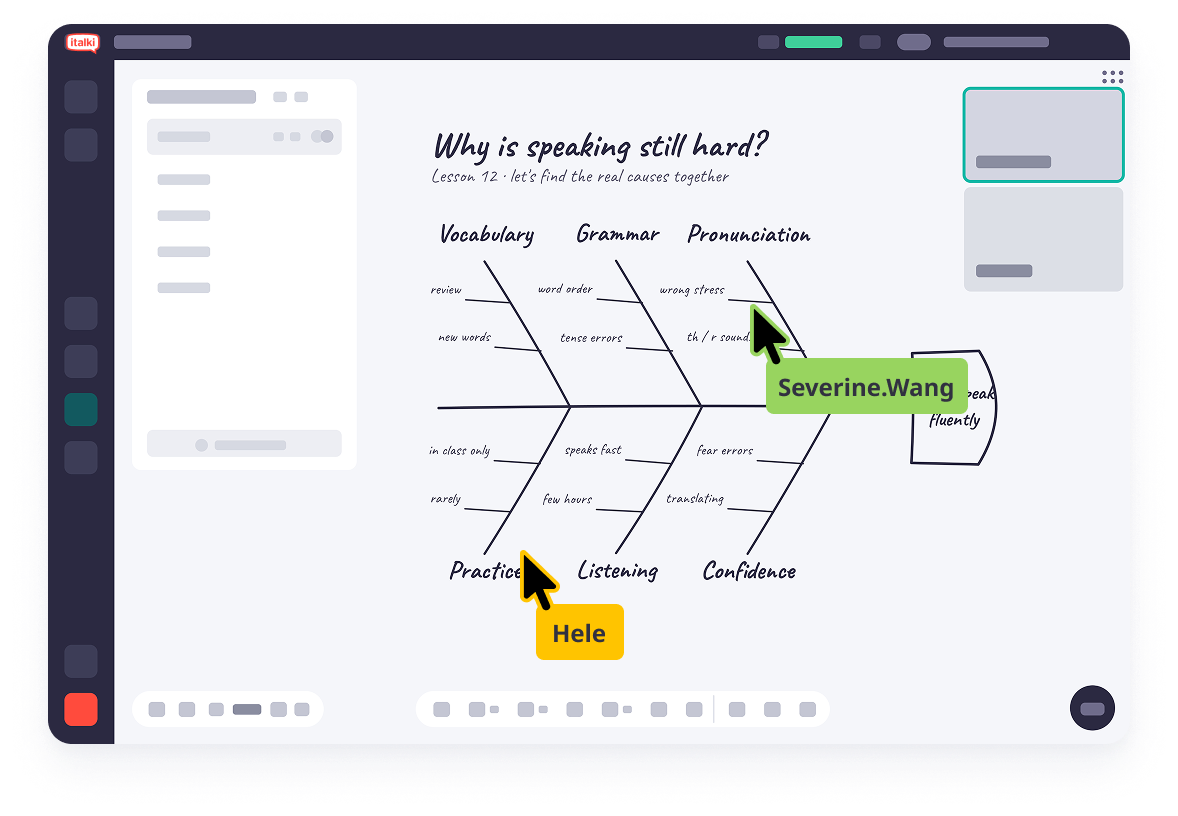
 白板
白板一起探索想法和学习资料
使用 italki Classroom 白板与老师实时书写、绘图和标注课程材料。你可以上传文件、添加文本和形状,并在课后保存作品以便复习。
- 供老师和学生协作使用的无限画布。
- 上传文件,并一起批注。
- 绘图、橡皮擦、文本和形状工具。
- 下载并保存你的作品,方便课后再查看。
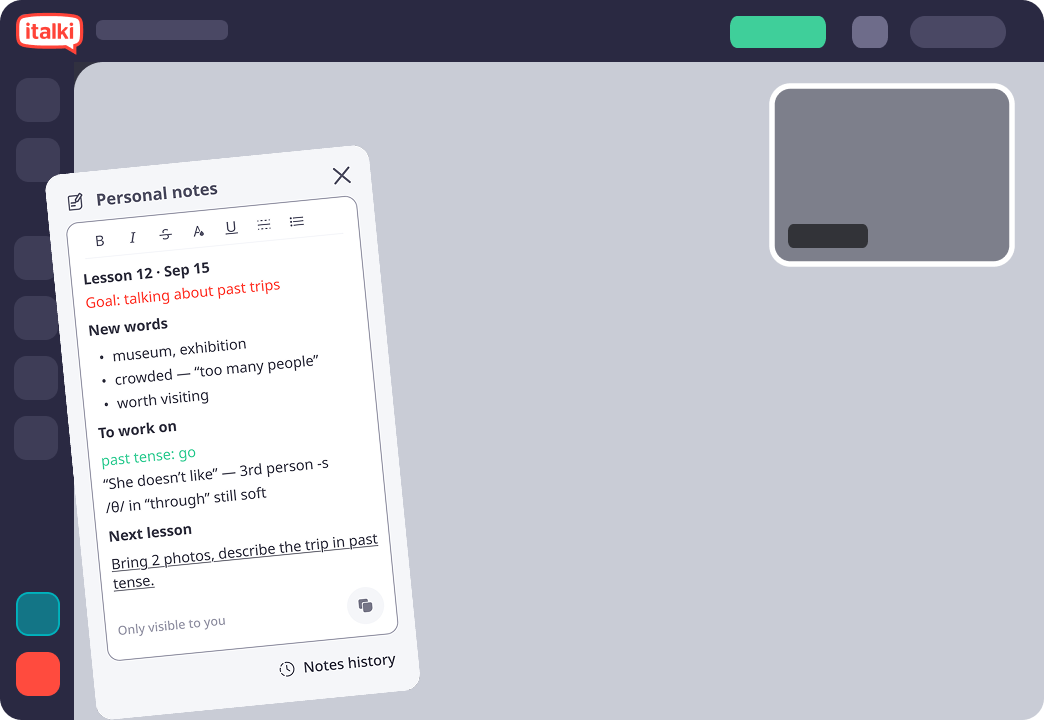
 个人笔记
个人笔记保留自己的笔记
在课堂上做笔记。你可以按自己喜欢的方式整理,私密保存,并在需要时随时查看。
- 富文本格式。
- 仅你可见。
- 每节课的笔记都会保存。
使用方式
请使用最新版 Chrome、Firefox 或 Safari,或者在 iOS 或 Android 上使用 italki 应用。支持的浏览器中无需单独的教室软件。
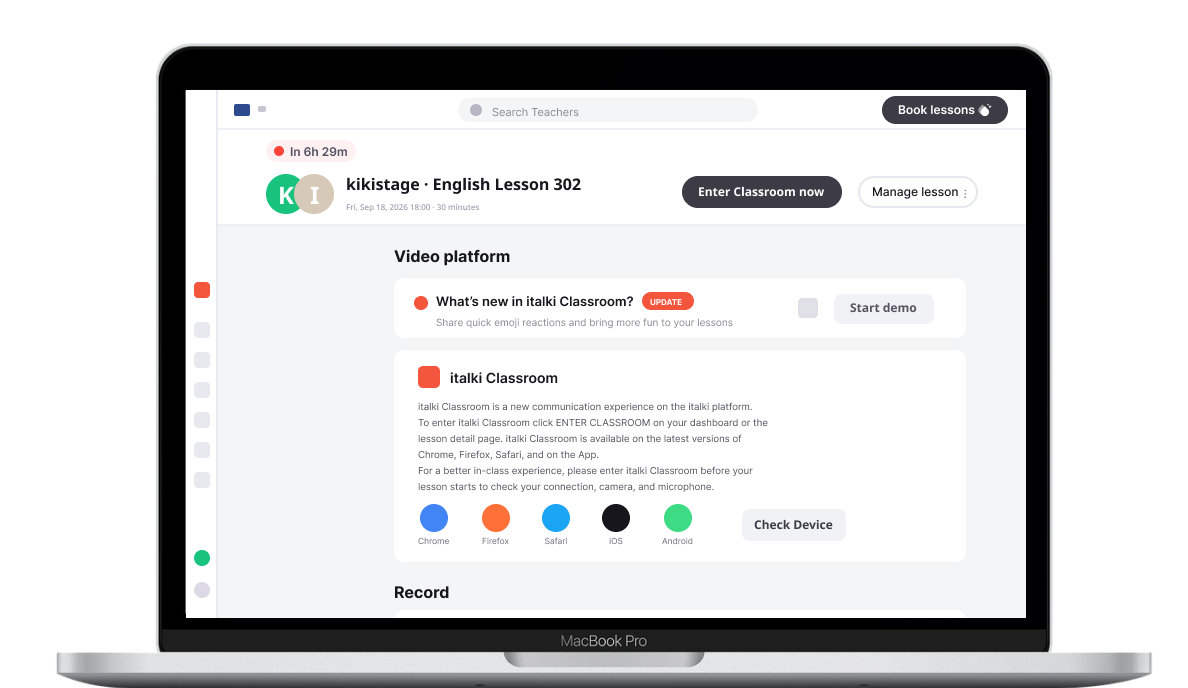
开始上课
前往你的 italki 仪表板或课程详情,然后选择进入教室。
检查你的设置
在课程开始前,请检查你的网络连接、摄像头和麦克风。
认识你的老师
加入你的课程,使用课堂工具来辅助对话和练习。

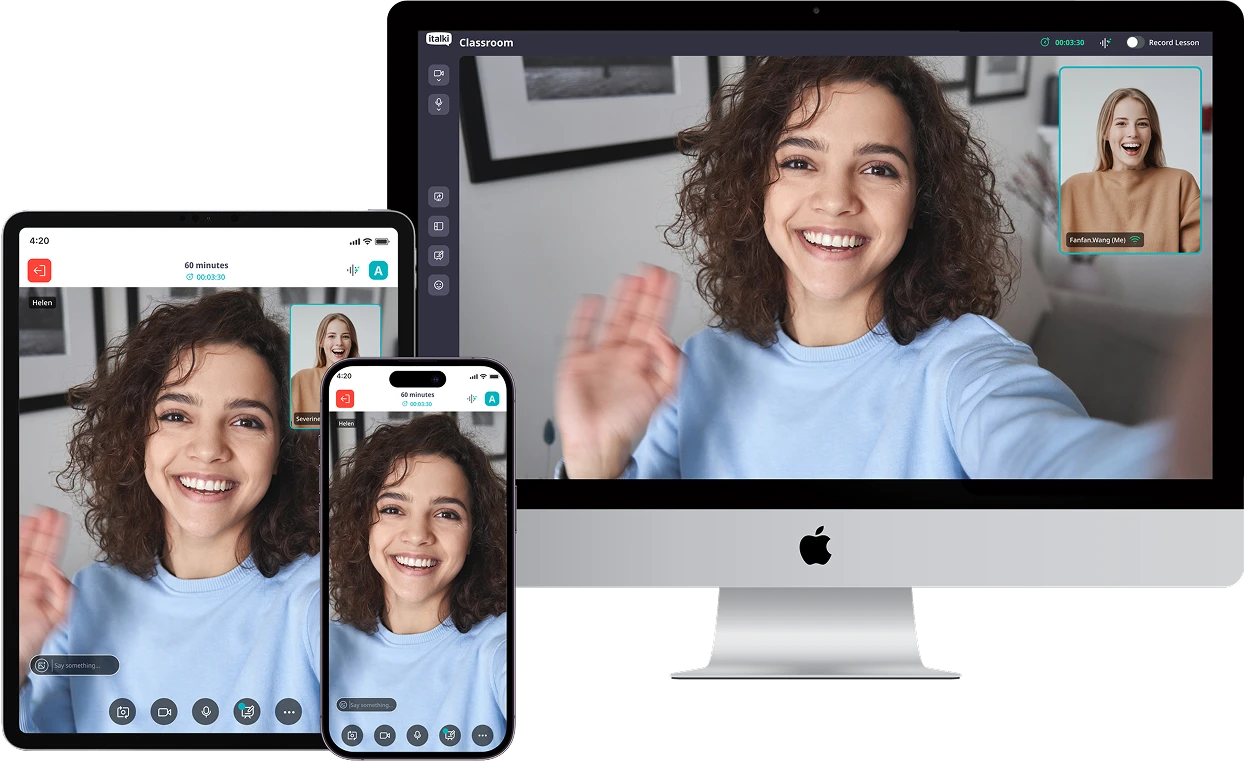
italki 可在 Android 和 iOS 上使用。
同一个教室可在桌面、平板和手机浏览器中打开,布局会自动适应屏幕。


常见问题
最近更新时间