Learn together right here in italki Classroom.
Meet your teacher for live, one-to-one language lessons, practice together, and use built-in learning tools without leaving the italki Classroom.
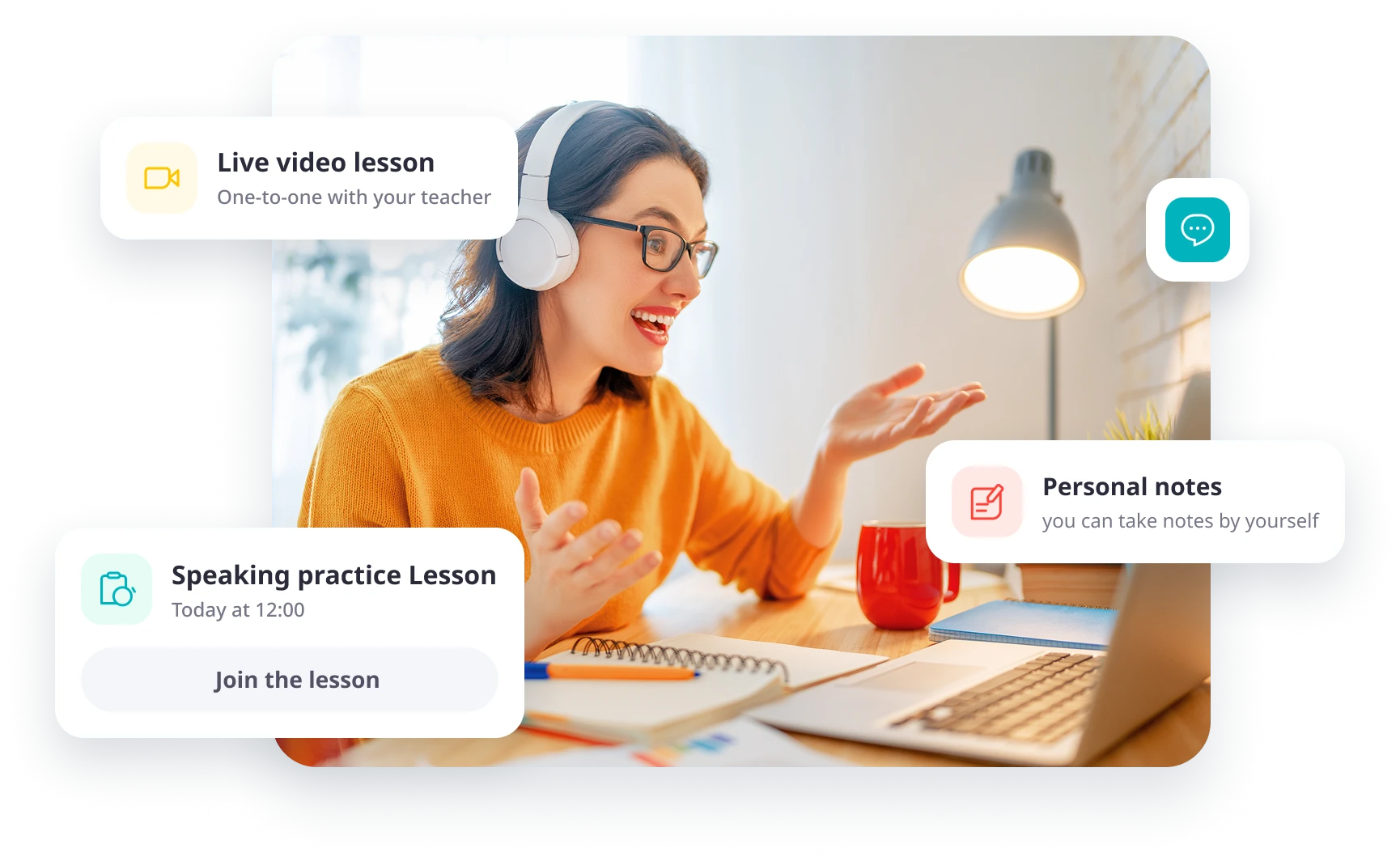
What is the italki classroom?
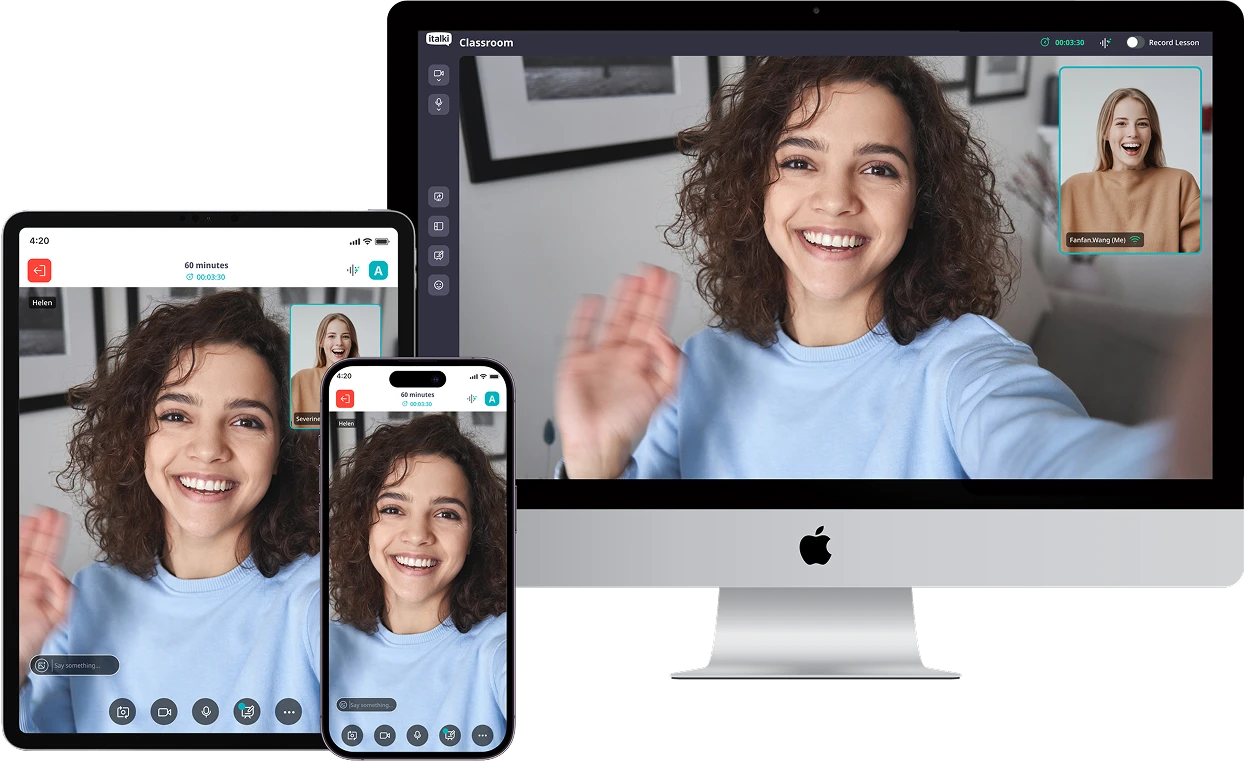
The italki Classroom is italki’s built-in online classroom for live, one-to-one language lessons with a teacher. Learners and teachers can meet by video or audio and use built-in tools such as screen sharing, a whiteboard and personal lesson notes during the lesson.
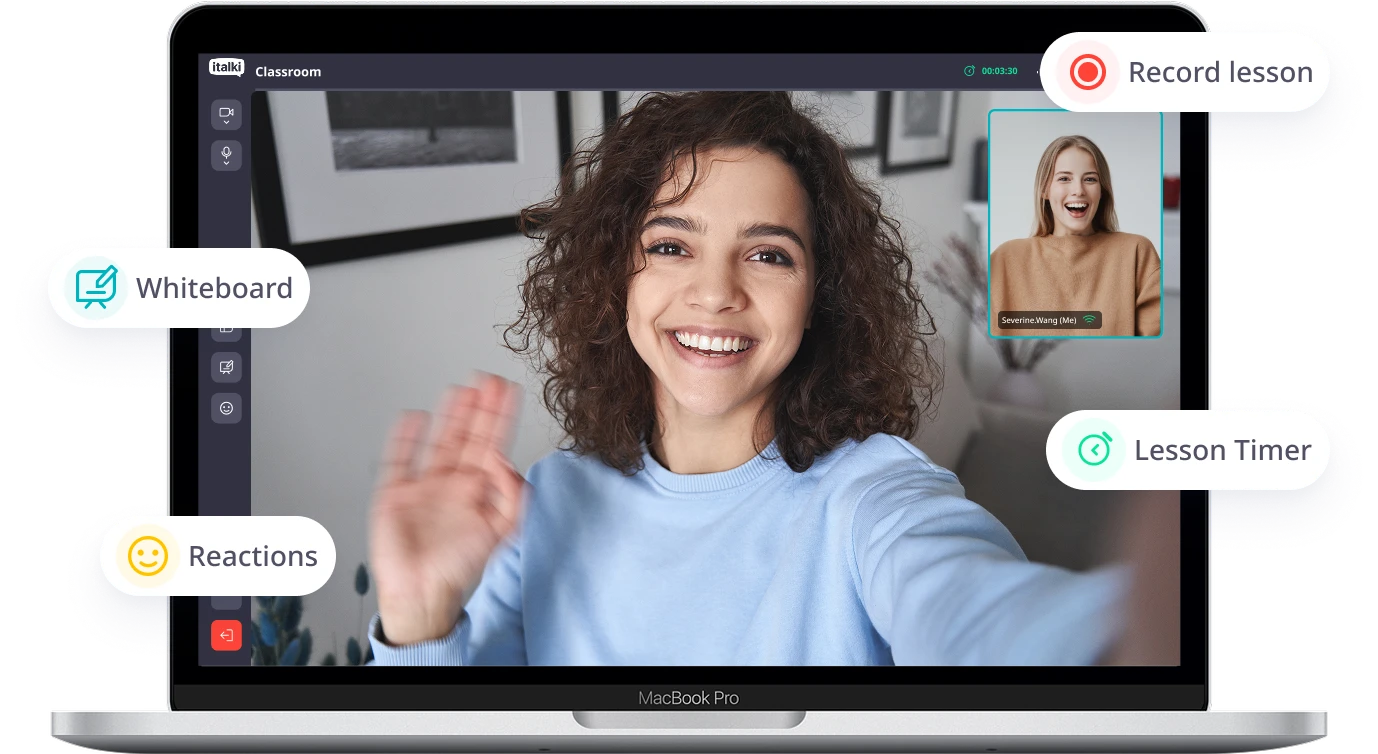
Everything you need, already in the room.
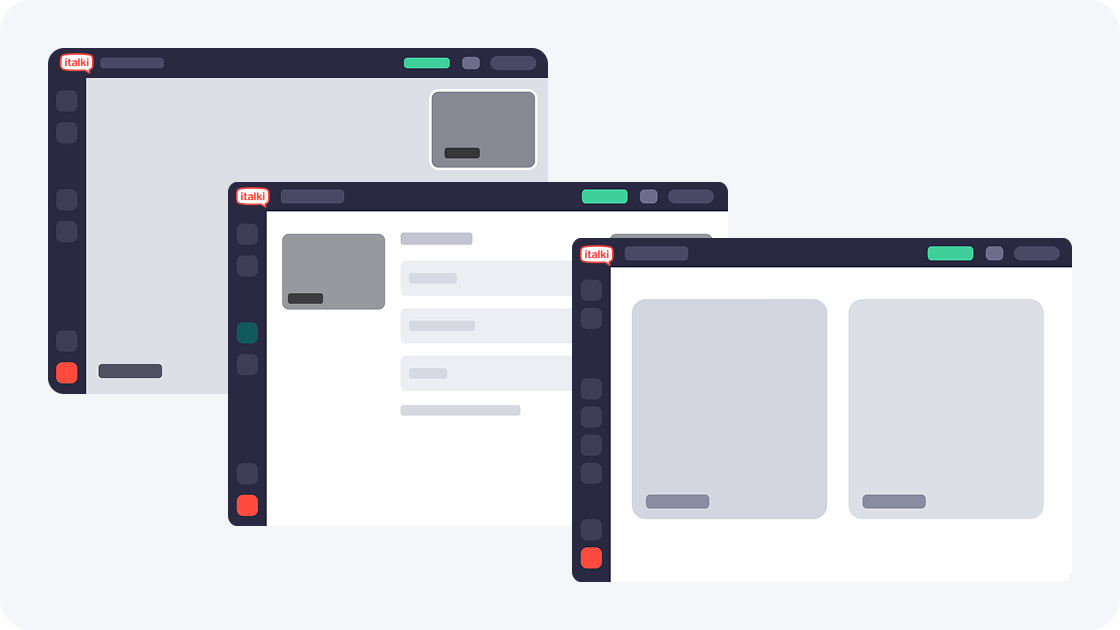
See each other clearly
Use side-by-side view to read every expression, or switch to speaker view with a movable, resizable picture-in-picture.
 Switch between side-by-side and speaker view at any time.
- Resize and reposition the picture-in-picture.
- Audio and video keep running while you switch.
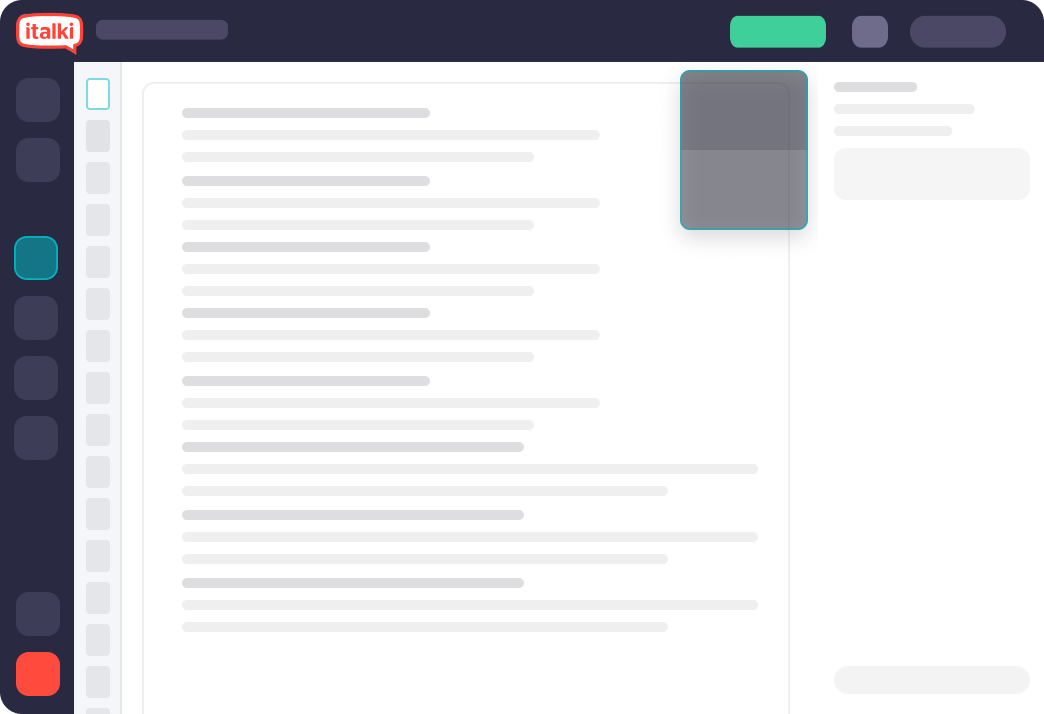
Work through material together
Share your screen. Learn together. Share your screen and audio with your teacher or student to explore learning materials together.
- Review webpages, presentations, and exercises together.
- Share audio when watching videos or listening to content.
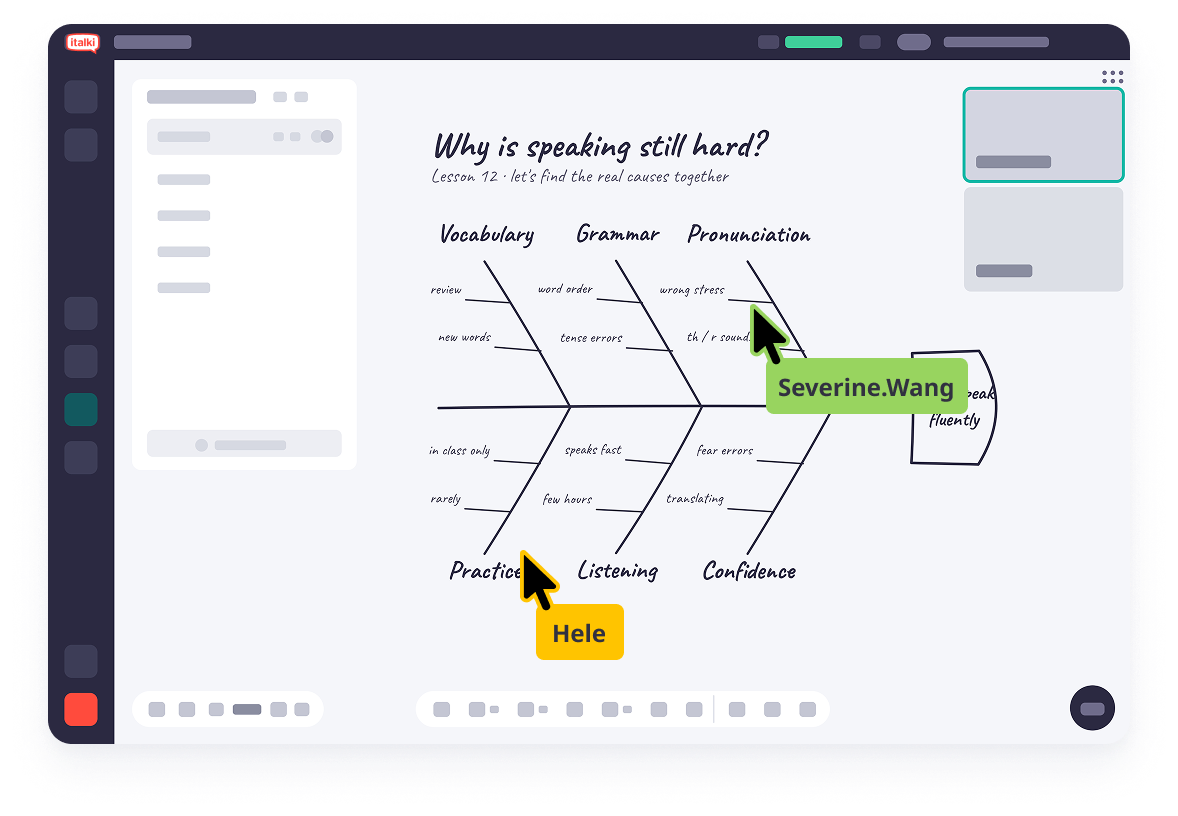
 Whiteboard
Explore ideas and learning materials together
Use the italki Classroom whiteboard to write, draw and annotate lesson materials with your teacher in real time. You can upload files, add text and shapes, and save your work for review after the lesson.
- An infinite canvas for teacher and student collaboration.
- Upload files and annotate them together.
- Drawing, eraser, text, and shape tools.
- Download and save your work to revisit after the lesson.
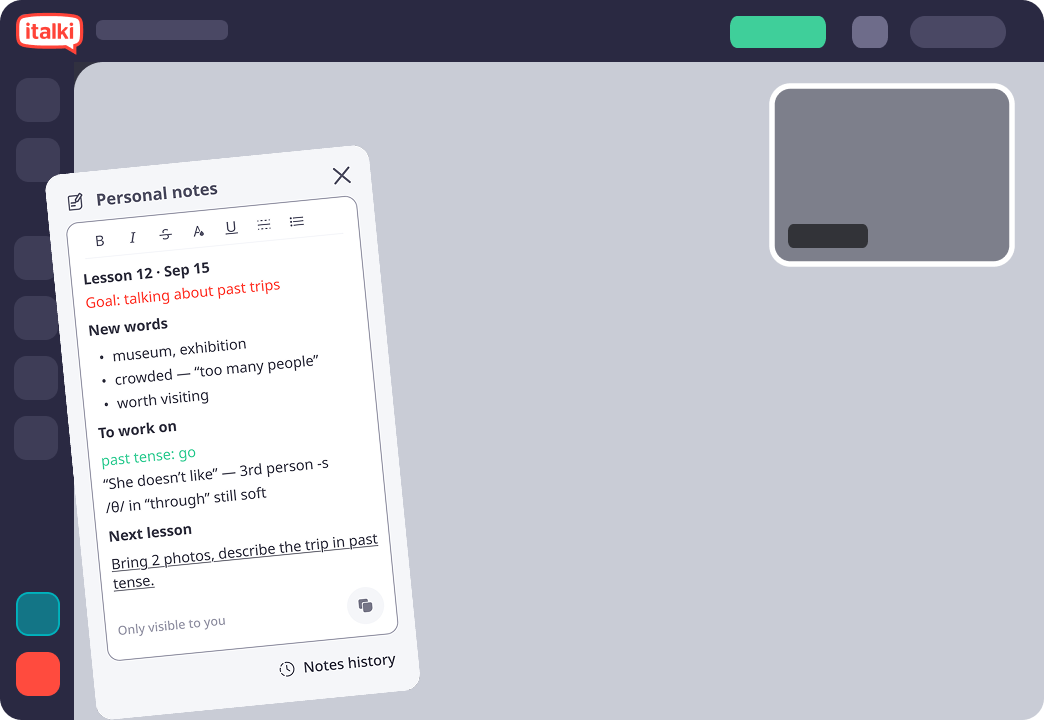
 Personal notes
Keep your own notes
Take notes during the lesson. Format them however you like, keep them private, and return to them whenever you need.
- Rich text formatting.
- Private to you.
- Notes for every lesson are saved.
How it works
Use the latest version of Chrome, Firefox, or Safari, or the italki app on iOS or Android. No separate classroom software is needed in a supported browser.
Go to your italki dashboard or lesson details, then select Enter Classroom.
Before your lesson starts, check your internet connection, camera, and microphone.
Join your lesson and use the classroom tools to support your conversation and practice.
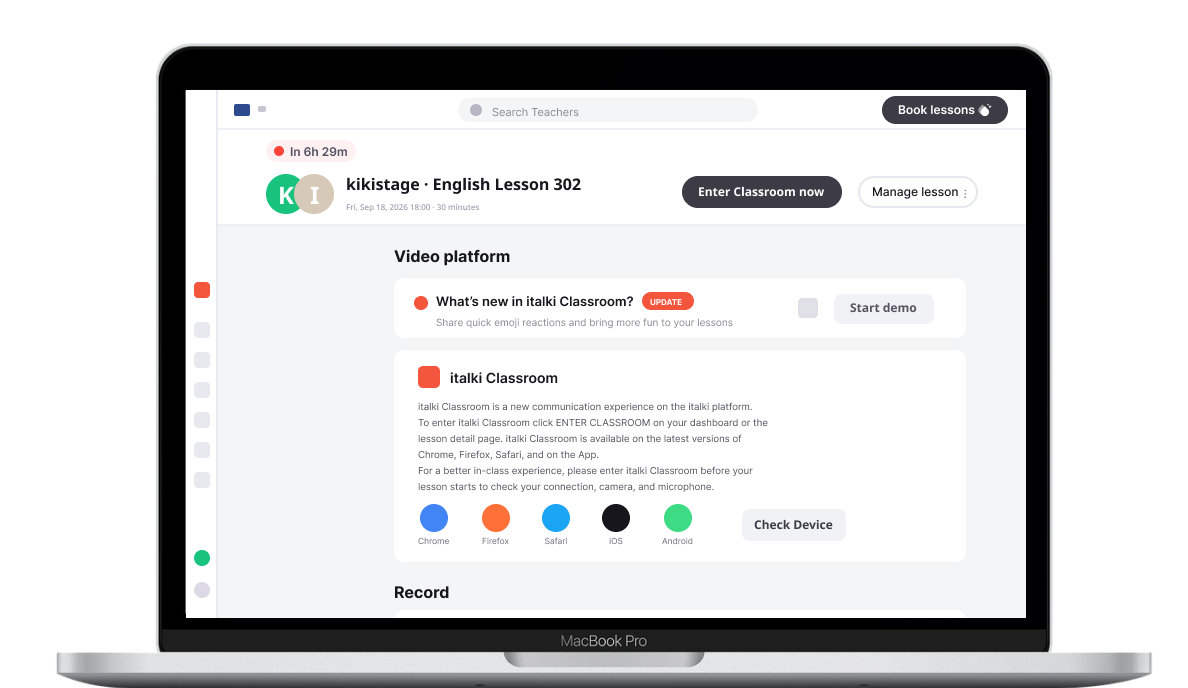

italki is available on Android and iOS.
The same classroom opens in the browser on desktop, tablet and phone, and the layout adapts to the screen.

Frequently asked questions
Last updated